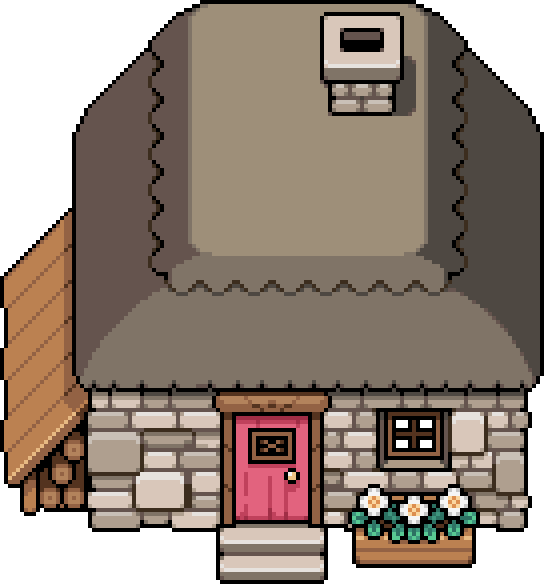
 House upgrades: costs, rooms and second floor
Upgrade costs and materials
All four home purchases together cost 95,000t, 1,500 Wood, 1,500 Stone, 20 Iron Ingot, 20 Silver Ingot, 200 Hard Wood, 100 Refined Stone, and 30 Gold Ingot. These totals add the four rows below; the Carpenter's Shop upgrade has its own separate costs.
| Your completed home stage | Tesserae still needed for the remaining home upgrades |
|---|---|
| Starting house | 95,000t |
| Upgrade 1 | 90,000t |
| Upgrade 2 | 75,000t |
| Upgrade 3 | 50,000t |
Bring the materials for your next stage rather than the entire remaining total.
The fields of mistria house upgrades path has four purchases at the Carpenter's Shop, ending with a second floor. Version 1.0 adds exterior styles after the house is fully upgraded, while the fourth purchase requires the Upgrade the Carpenter's Shop questline. Use the fixed table rather than a retired menu description before buying each stage.
Use the town repair checklist to fit town repairs around the upgrade budget.
| Interior preview | Upgrade | Materials | Cost | Gate |
|---|---|---|---|---|
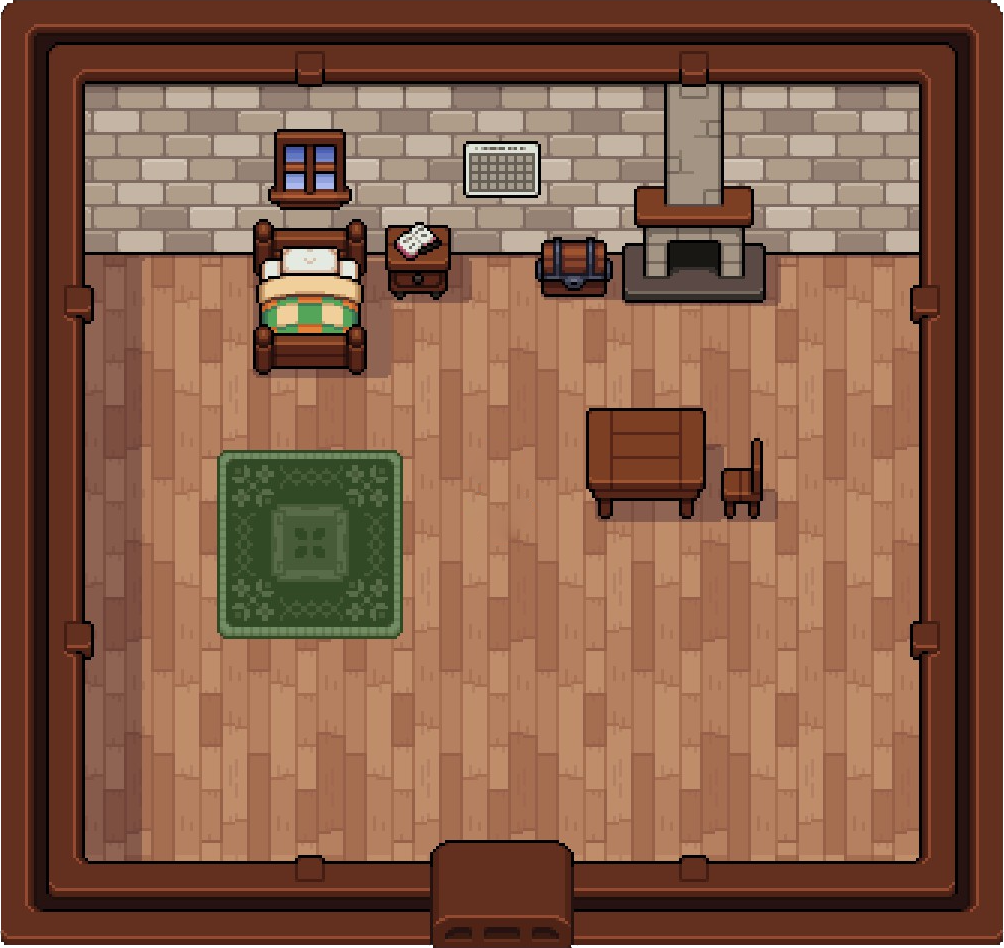 | Home Upgrade 1 | Wood (500), Stone (500) | 5,000t | None |
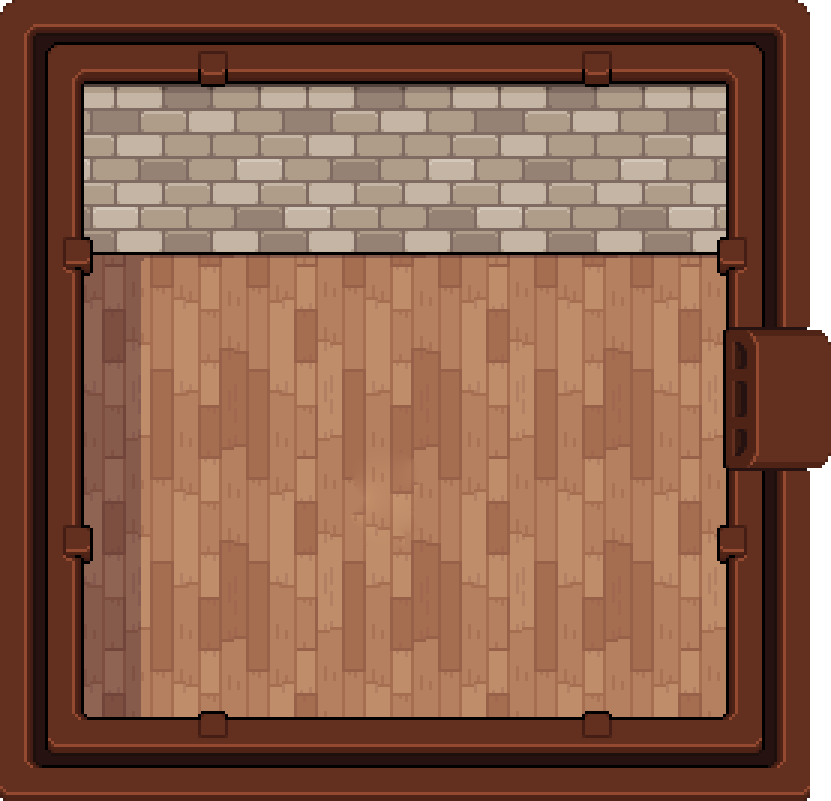 | Home Upgrade 2 | Wood (500), Stone (500), Iron Ingot (20) | 15,000t | Home Upgrade 1 |
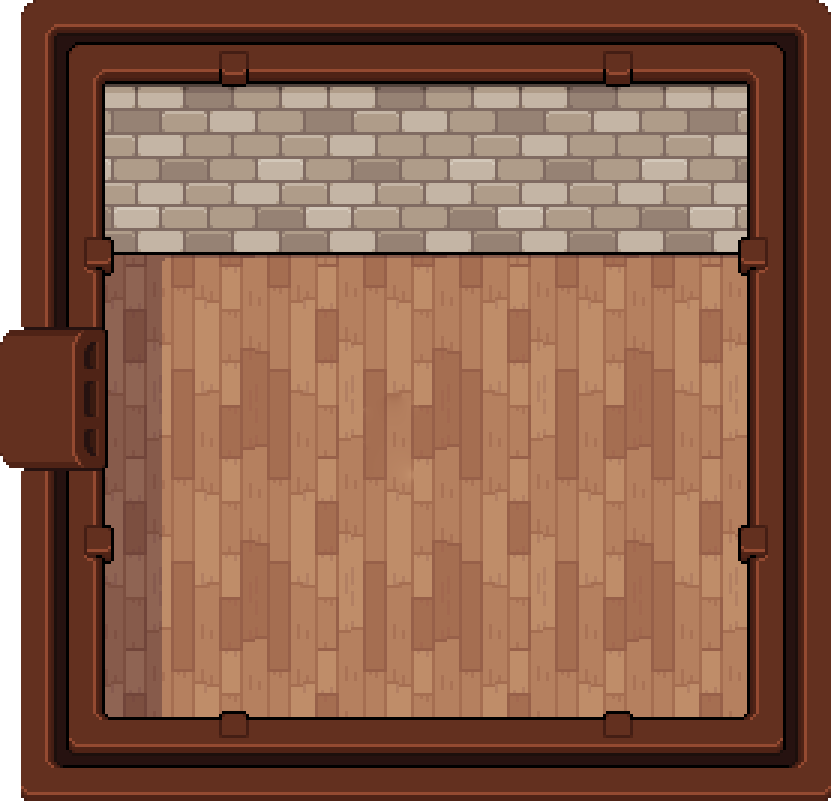 | Home Upgrade 3 | Wood (500), Stone (500), Silver Ingot (20) | 25,000t | Home Upgrade 2 |
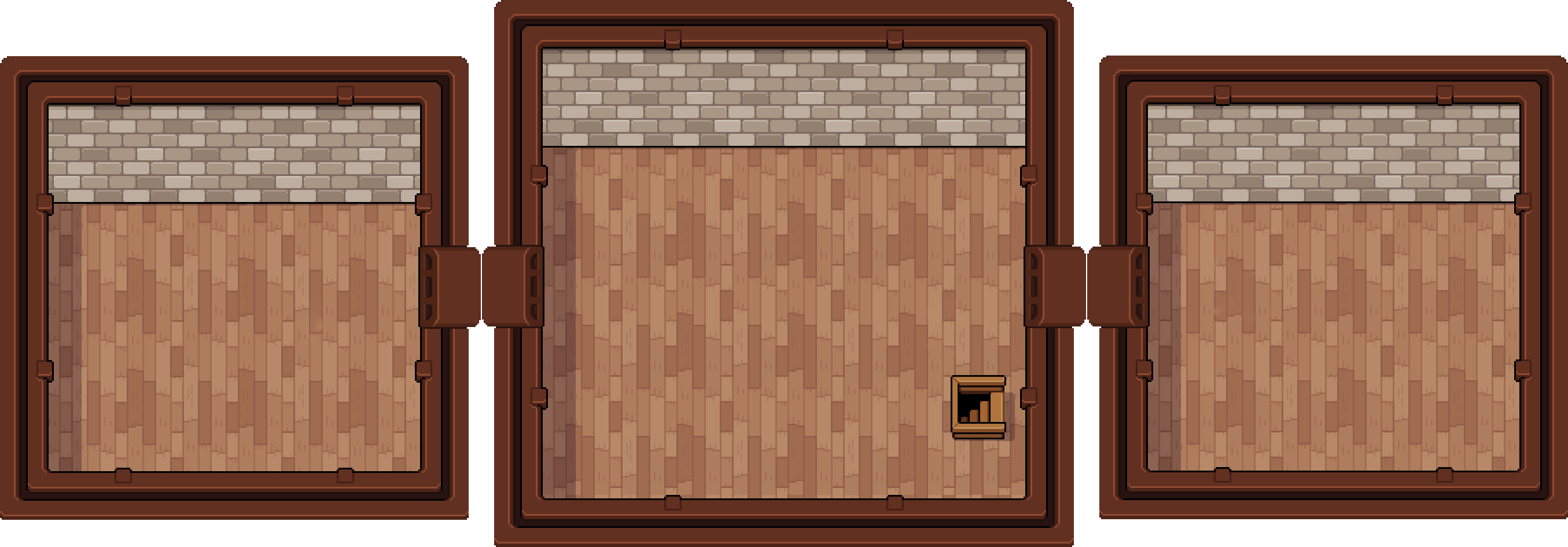 | Home Upgrade 4 | Hard Wood (200), Refined Stone (100), Gold Ingot (30) | 50,000t | Home Upgrade 3 + Upgrade the Carpenter's Shop |
The previews follow Farmhouse revision 62247. Game artwork © NPC Studio.
Follow the four-stage route
Open the counter menu at the Carpenter's Shop on the Eastern Road and look for the next Home Upgrade. The maintained farmhouse record describes a fixed sequence, so each of the first three purchases follows the previous one. NPC Studio's version 0.12.0 notes independently confirm that two additional home upgrades joined the game in that update, although the official post does not publish their names or costs.
The fourth stage arrived in version 0.14.0. NPC Studio calls it Home Upgrade 4 and says it adds a second story, reached with a placeable staircase, ladder, or teleportation pad. The official post also gives this stage a separate story gate, so completing three paid upgrades alone will not make the last option available.
Treat the home route separately from Farm Expansion. Neoseeker's upgrade menu walkthrough records both options at the Carpenter, but Farm Expansion adds land rather than indoor rooms. Spending on the farm plot will therefore not substitute for the next Home Upgrade or satisfy the fully upgraded home condition in the current exterior-customization notes.
Read what each purchase changes
Home Upgrade 1 expands the starting 13 × 8 room to 17 × 12. That adds 100 floor tiles, calculated from the two room sizes. If you need a larger central space for furniture, this is the first purchase that changes that room.
Home Upgrade 2 adds a 13 × 9 room on the left; Home Upgrade 3 adds a 13 × 9 room on the right. Each side room adds 117 tiles, while the existing rooms keep their dimensions. Budget for the left room first because the right room requires Upgrade 2.
Home Upgrade 4 has a direct first-party description. NPC Studio states that it adds a whole second story and allows access through a placeable staircase, ladder, or teleportation pad. Choose the access item and position after viewing the completed floor in your own house.
The three upstairs rooms match the downstairs dimensions: 17 × 12 in the middle and 13 × 9 on each side. That adds 438 floor tiles, calculated as 204 + 117 + 117. Buying the second floor and placing an access item are separate steps; see the furniture catalogue for the staircase, ladder or teleportation pad you want to use.
Use the Carpenter menu as the cost checklist
Open the Carpenter menu and write down the displayed materials and tesserae before committing a reserve to the next Home Upgrade. Compare that list with storage, keep materials needed for tools or town work separate, and gather only the remaining gap. Repeat the check after each purchase because the next stage has its own menu entry.
Unlock the second floor and exterior styles
Home Upgrade 4 requires Home Upgrade 3 and the completed Upgrade the Carpenter's Shop quest. If the fourth option is locked, work through these steps.
- Reach Renown level 70 and finish the earlier town repairs, including Upgrade the Saturday Market. Read Adeline's letter, then meet her at the Carpenter's Shop on the Eastern Road.
- Put 30 Crystal, 100 Glass, 30 Obsidian and 100 Refined Stone into the donation box outside the Carpenter's Shop. Holding them in your inventory does not complete the donation.
- Talk to Adeline after filling the box to finish the repair. The quest awards a Small White Greenhouse Blueprint. With Home Upgrade 3 already purchased, check the Carpenter menu for Home Upgrade 4, then buy it using the separate materials and 50,000t in the table above.
The trigger and hand-in steps follow the Wiki's town-improvement quest record; NPC Studio's 0.14.0 notes also confirm the level-70 and previous-repair gates. The quest record lists no separate tesserae payment for this repair, but its donated materials are additional to the home-upgrade totals above.
The 1.0 release added exterior customization after the house is fully upgraded. NPC Studio says Landen sends a letter that unlocks the styles in the Carpenter's Shop, and version 1.0.2 corrects the letter timing. That newer patch states both conditions explicitly: the Carpenter's Shop and the player's home must be fully upgraded.
If the letter has not arrived, check those two completed states before troubleshooting anything else. The letter fix was introduced in 1.0.2; do not downgrade a newer installation to that version. The patch does not promise that restarting, waiting an arbitrary number of days, or expanding the farm will bypass an unfinished requirement.
Every exterior style and the cost to change back
After Landen's unlock letter, open Customize Home at the Carpenter and choose the style/colour before paying. The Farmhouse appearance table, revision 62247, lists these five styles and 13 total appearances:
| Preview | Style and colour option | Price per change |
|---|---|---|
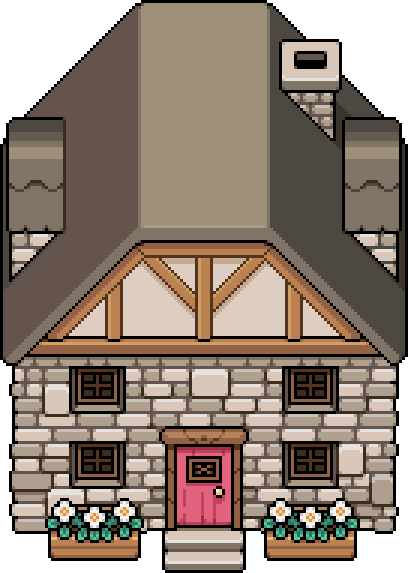 | Stone Cottage | 5,000t |
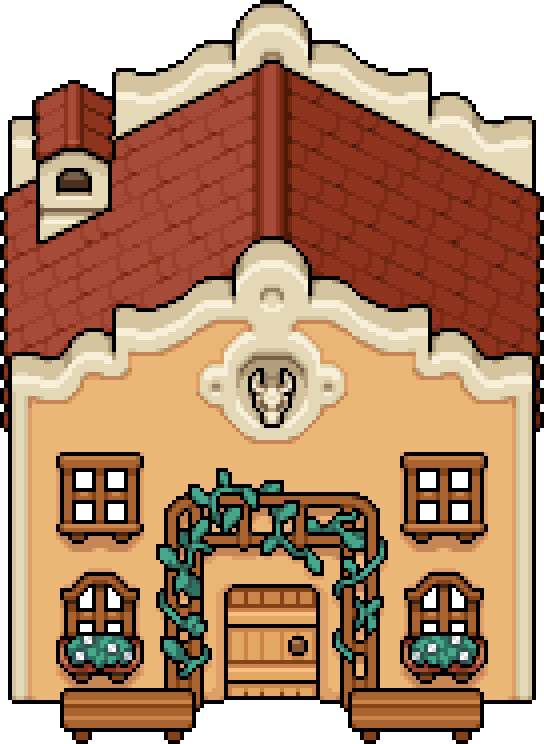 | Adobe Home · option 1 | 5,000t |
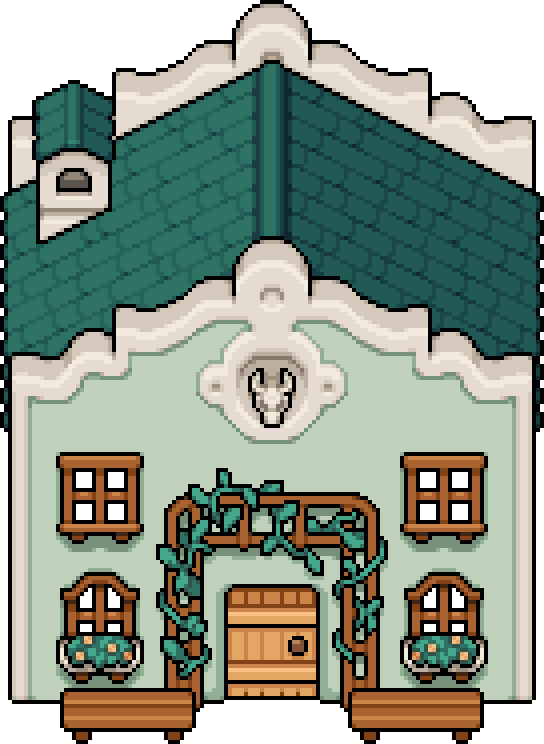 | Adobe Home · option 2 | 5,000t |
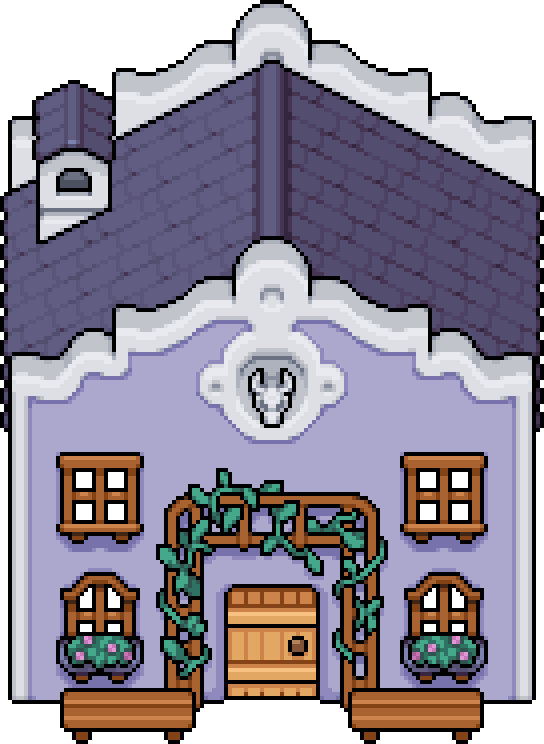 | Adobe Home · option 3 | 5,000t |
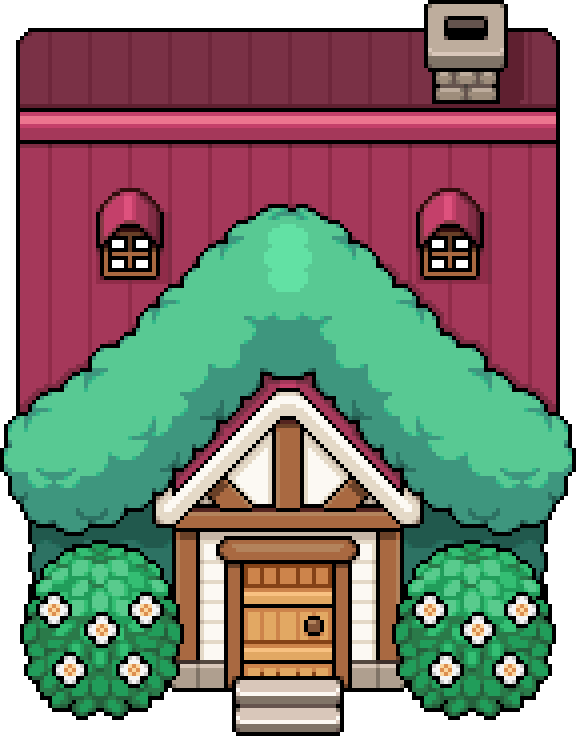 | Leafy Cottage · option 1 | 5,000t |
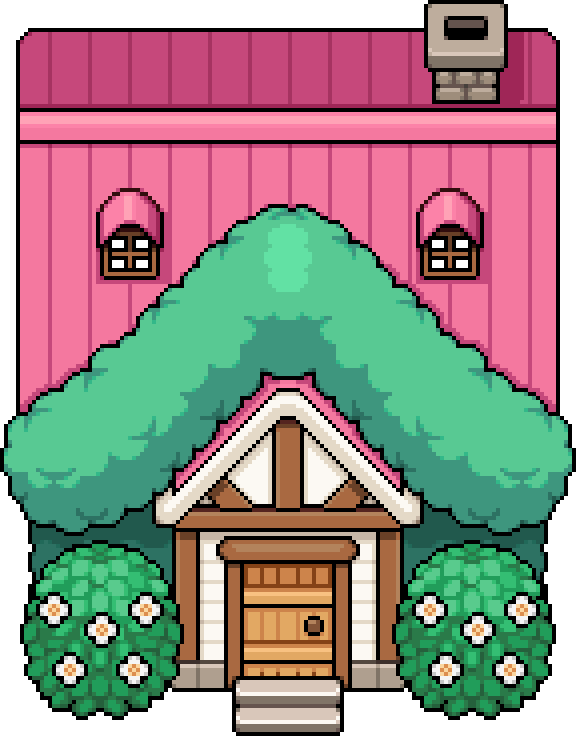 | Leafy Cottage · option 2 | 5,000t |
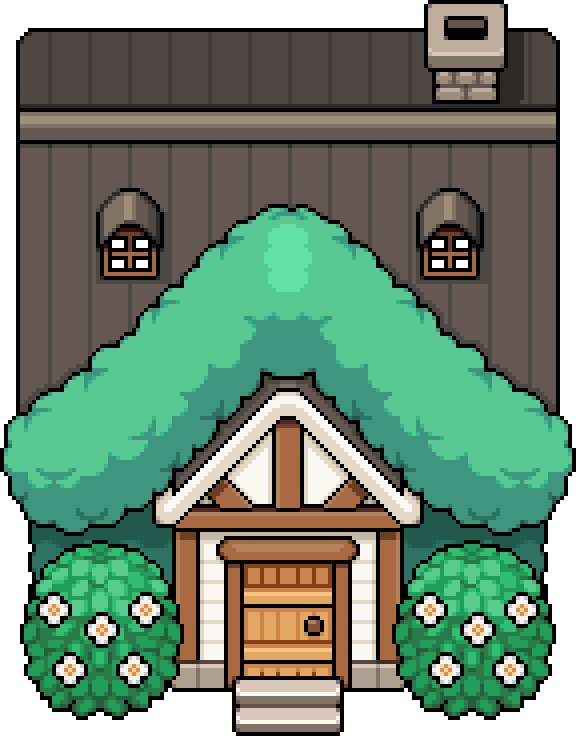 | Leafy Cottage · option 3 | 5,000t |
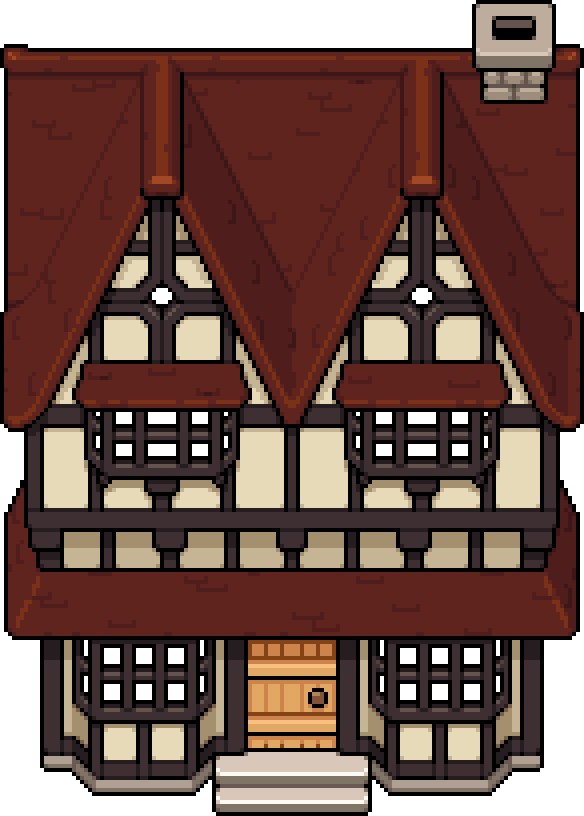 | Timbered Home · option 1 | 5,000t |
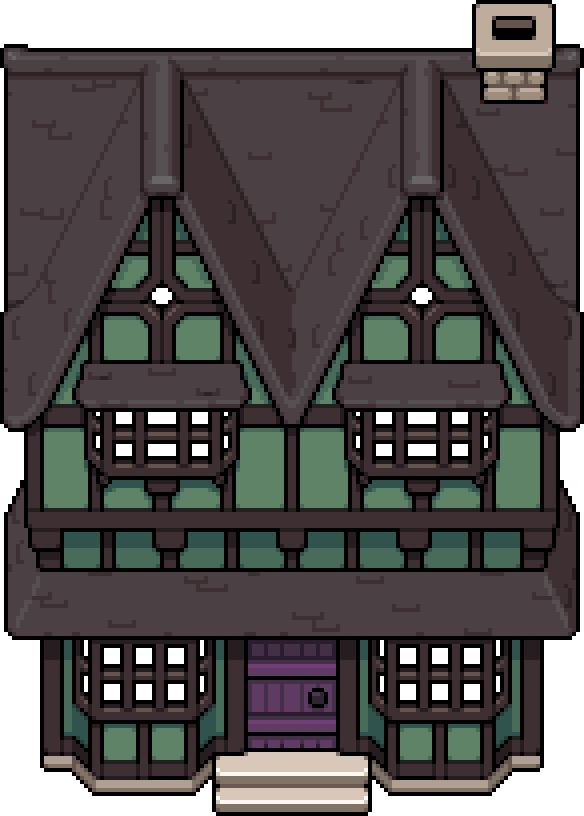 | Timbered Home · option 2 | 5,000t |
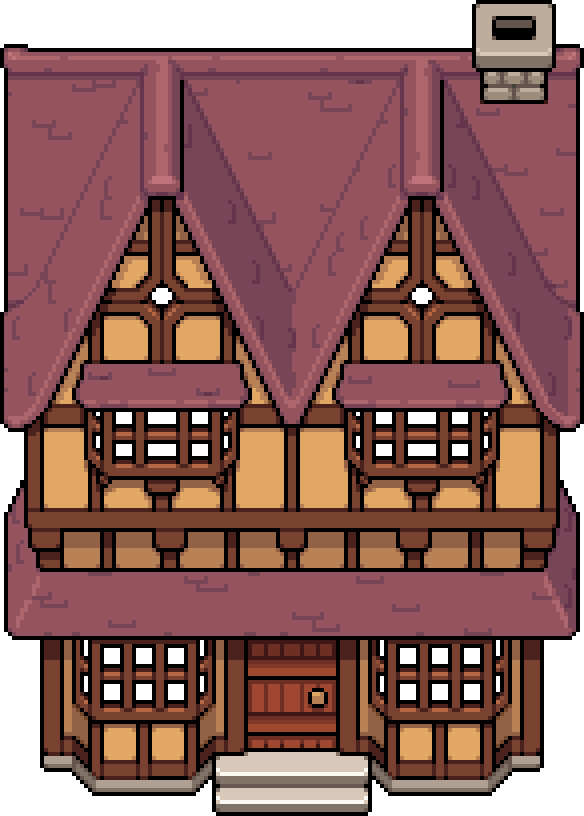 | Timbered Home · option 3 | 5,000t |
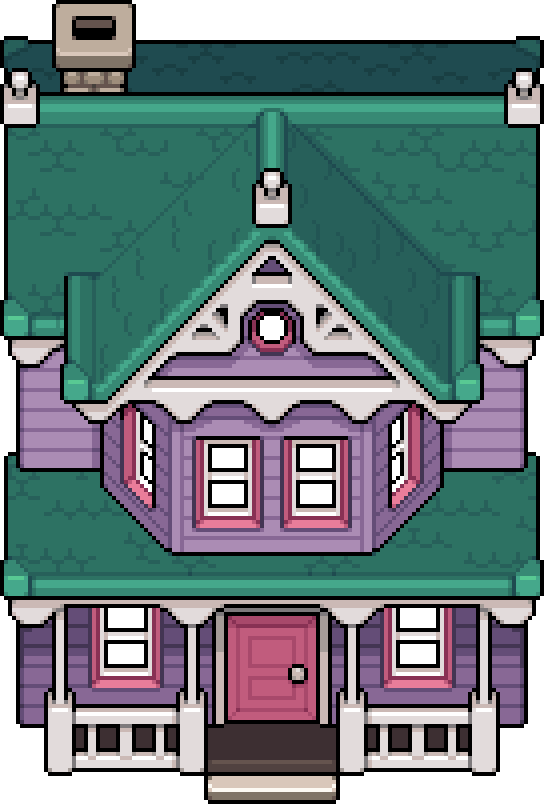 | Victorian Home · option 1 | 5,000t |
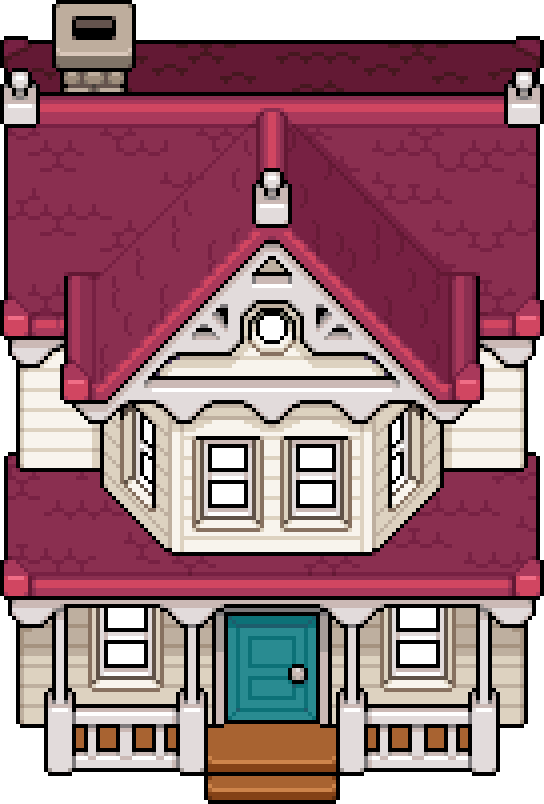 | Victorian Home · option 2 | 5,000t |
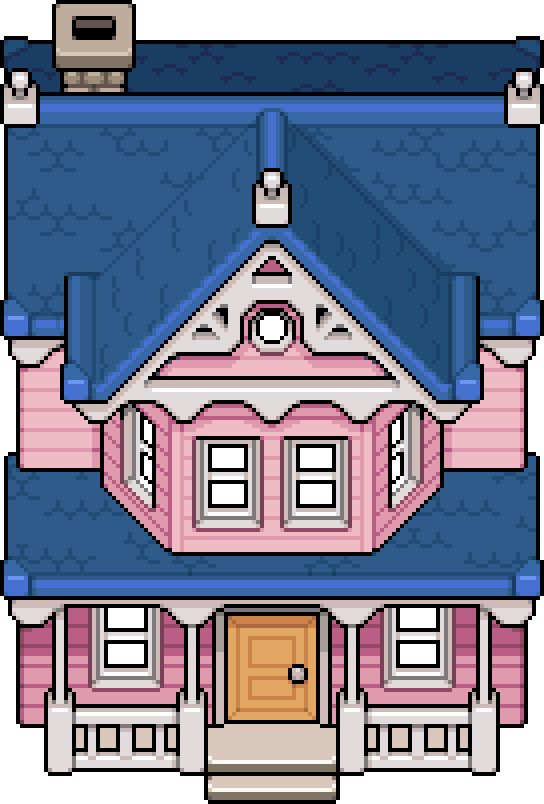 | Victorian Home · option 3 | 5,000t |
Game artwork © NPC Studio, sourced from the Farmhouse revision linked above. Option numbers follow that appearance table.
Changing back to Stone Cottage also costs 5,000t. Budget 10,000t if you intend to try another exterior and then return to the original. Exterior customization changes the outside look; it is not another room upgrade or a substitute for the fourth home purchase.